Pixelizer
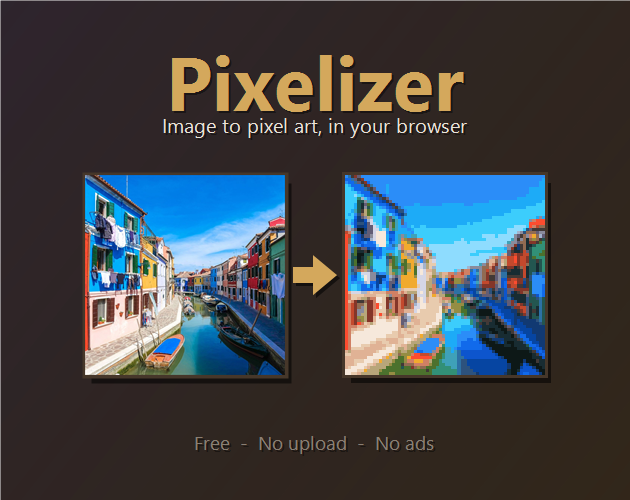
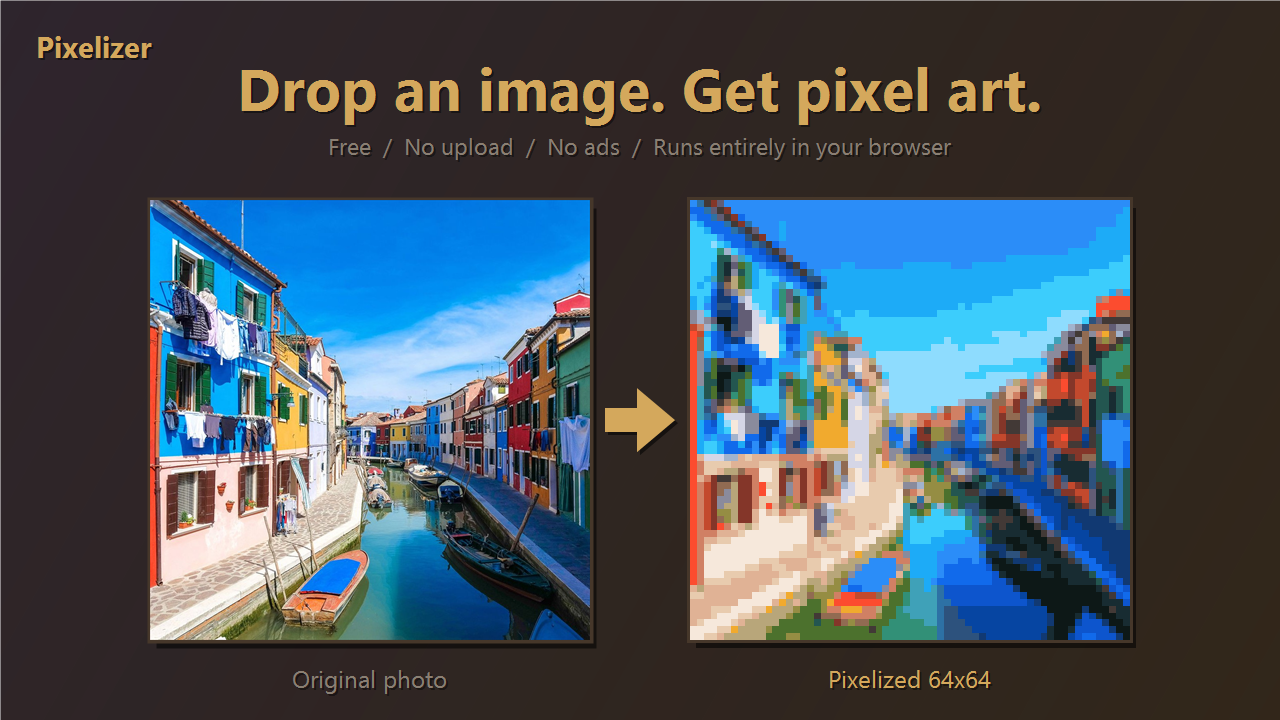
**Pixelizer turns any image into pixel art — and lets you keep editing it.**
Everything runs locally in your browser. No upload, no ads, no signup.
---
## 🎨 Convert
- Drop any image. Pick a canvas size:
- **Square**: 16×16 / 32×32 / 64×64
- **Portrait (9:16)**: 36×64 / 45×80 / 72×128
- **Portrait (4:5)**: 32×40 / 48×60 / 80×100
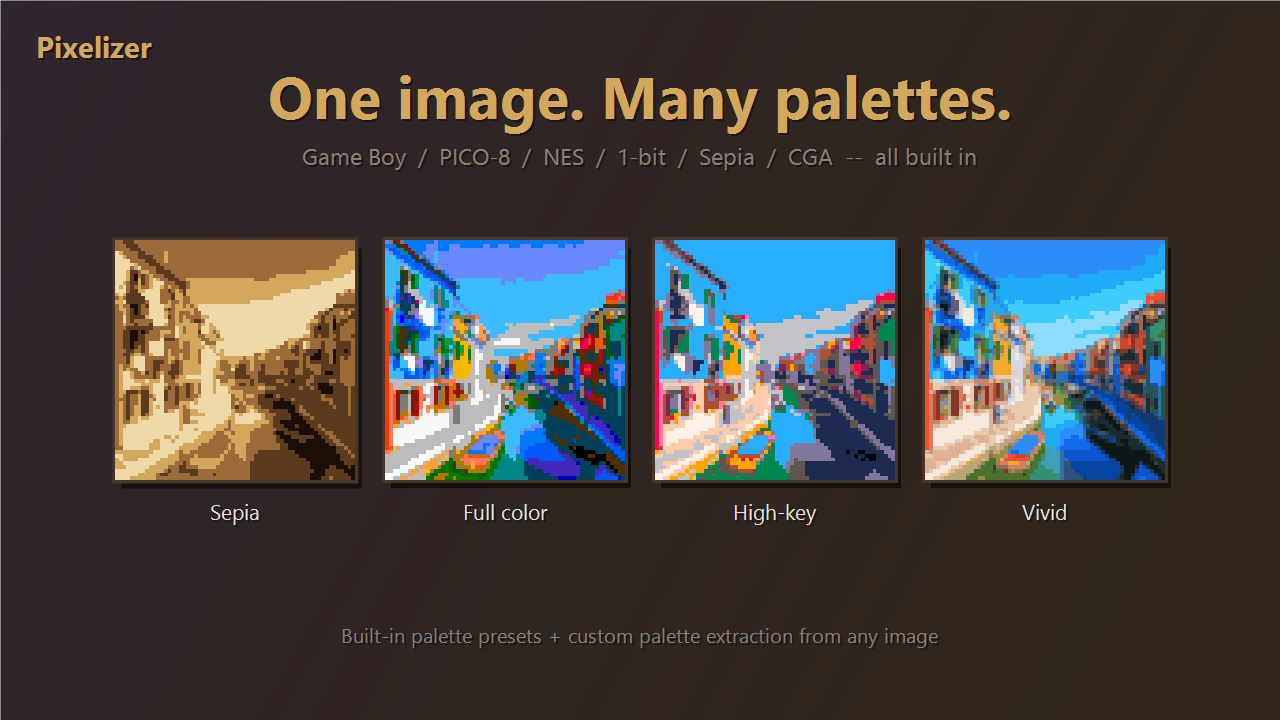
- **Palette limiting** — clamp output to **4 / 8 / 16 / 32 / 64** colors, or keep full color.
- **Built-in palette presets** — Game Boy, GB Pocket, PICO-8, CGA, NES, 1-bit, Sepia.
- **Bayer 4×4 dithering** — smooth gradients even on tiny palettes.
- No image handy? Try one of the four built-in sample images.
## ✏️ Edit
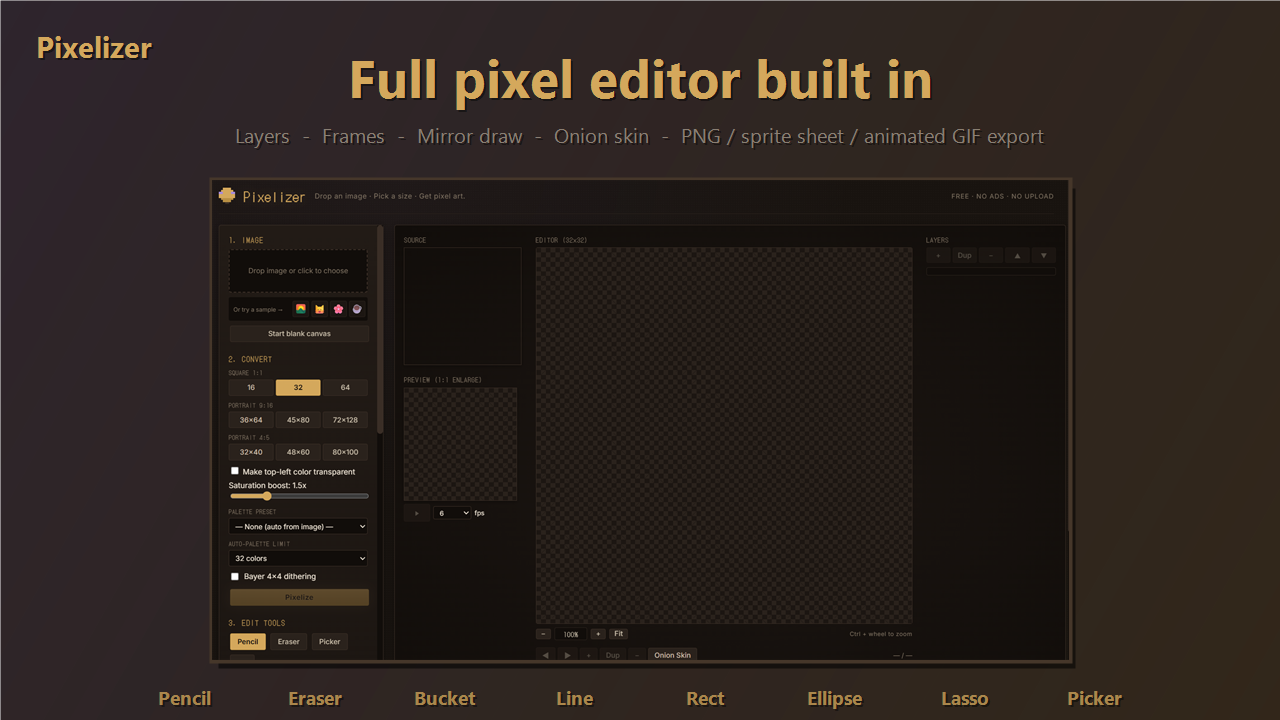
A full pixel editor is built in — you don't need a separate program.
- **Tools**: pencil, eraser, eyedropper, bucket fill, line, rectangle, ellipse, lasso select.
- **Layers + frames**, Aseprite-style.
- **Mirror draw** (horizontal / vertical) and **onion skin** for animation.
- **Ctrl + wheel** to zoom the canvas. Click the preview to enlarge.
- **Ctrl + Z / Ctrl + Y** for undo / redo.
## 💾 Export
- **PNG** — single frame, sprite sheet, or one PNG per frame (folder save).
- **Animated GIF** — scale 1× to 8×, fps 2 to 15, with transparent background.
## 🔒 Privacy
Your images never leave your computer. The whole tool is a single HTML file — open it once and it works offline. No tracking, no analytics.
## 🖥️ Best on desktop
Designed for keyboard + mouse. Phones technically work, but the editor is cramped on small screens.
---
Made by **Pixel Familiar Studio**.
Also working on *Pixel Familiar Oracle* — a cozy pet & oracle app for Android.
If Pixelizer helped you make something cool, the donation link above keeps it ad-free. 💛
Leave a comment
Log in with itch.io to leave a comment.